






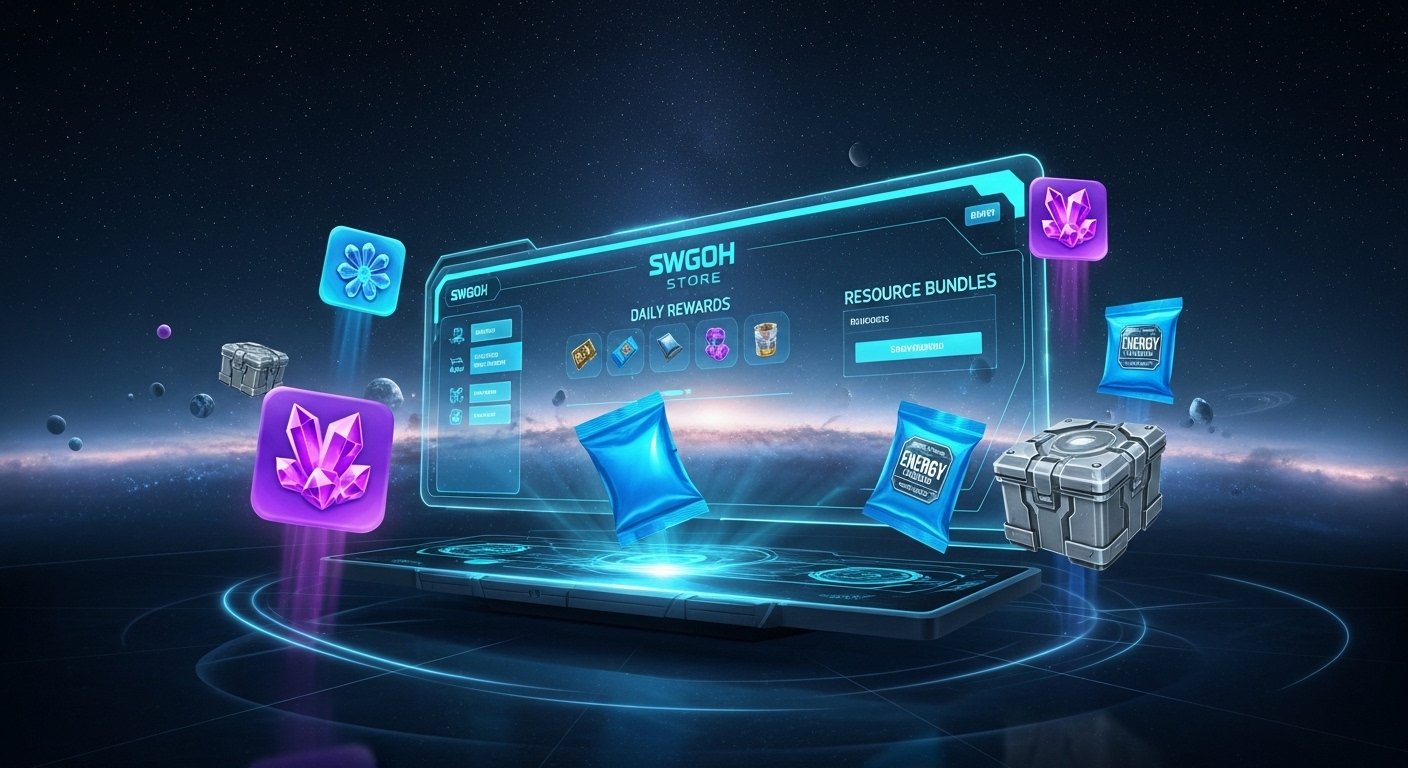
Hey there, fellow commander. Picture this: you’re deep into a raid, your squad is one gear piece short of relic nine, and you’re staring at your crystal count wondering how everyone else seems to pull ahead faster. What if I told you there’s a simple daily habit that hands out free energy, shards, and materials without touching your in-game shop? That’s the swgoh store, the official web version of the Galaxy of Heroes marketplace run by EA.
Most players stick to the in-app purchases and miss out on the extra edge. Whether you’re a casual F2P grinding daily quests or a whale chasing Galactic Power records, this guide breaks down exactly how the swgoh store works and why it can give you more bang for your time (and credits). I’ve been playing since the early days, and once I started using it consistently, my progression felt smoother. Let’s dive in like we’re chatting in guild chat.
Why the SWGoH Store Gives You a Real Edge
The swgoh store isn’t just a fancy browser version of the in-game shop. It sits at https://store.galaxy-of-heroes.starwars.ea.com/ and connects directly to your account once linked. The big win? Extra daily free rewards that don’t exist in the mobile app. Think of it as your secret daily login bonus on top of the regular in-game calendar.
F2P players love it because those free drops add up fast. A bit of extra energy means one more sim ticket run or fleet battle without waiting for natural regen. Competitive players grab better value on crystal packs and specialized bundles during events. Plus, the web interface lets you browse packs side by side without tapping through tiny phone menus. No more accidental purchases or missed deals. And since EA handles the transactions directly, you sometimes see bundles or promotions that feel fresher than the standard app rotation.
Bottom line: it costs zero extra effort after the first setup, but it pays off in resources that boost your roster and Galactic Power. I started claiming mine religiously about a year ago, and those small daily wins helped me relic my key characters weeks faster than my guildmates who skipped it.
How to Link Your SWGoH Account: The Quick One-Time Setup
First things first. You can’t just jump in. The swgoh store requires your game account to link with an EA Account. Don’t worry. It takes two minutes and saves your progress forever.
Here’s the exact steps:
- Open Star Wars: Galaxy of Heroes on your phone.
- Tap the gear icon in the top left of the Cantina screen to open Settings.
- Scroll down and tap Connect, then choose EA Connect.
- If you don’t have an EA Account, create one right there. Use the same email you want for purchases.
- Follow the prompts to link. You’ll get a one-time code or confirmation.
Once linked, head to the store site in any browser. Click Log In, enter your EA email, and verify with the code they email you. Boom. You’re in. Under 18? The store won’t work for you due to age restrictions. Also note that some regions (like Belgium) limit certain loot elements for legal reasons, but most players worldwide get full access.
Pro tip: Double-check your link in-game under Settings if you ever switch devices. I once thought mine was broken until I re-linked. Smooth sailing ever since.
Grabbing Your Daily Mystery Box: Free Rewards Every Single Day
This is the part that feels like free Galactic Power in your pocket. Once you’re logged into the swgoh store, look for the Daily Mystery Box (sometimes called the daily gift or free crate). It refreshes every 24 hours.
What do you get? It varies, but typical drops include:
- 50 to 100 energy (regular or ship energy).
- A handful of credits or training droids.
- Ability materials, mod salvage, or even the occasional character shard.
- Small crystal bonuses during events.
These items drop straight into your in-game inbox automatically or with a quick claim button. No waiting. Restart the app if they don’t show right away. I treat it like brushing my teeth. Log in while my coffee brews, claim the box, and move on. Over a month, that’s potentially thousands of extra energy and materials. Casual players use it to stay consistent. Whales pair it with crystal purchases for even bigger monthly calendars.
The store also sometimes runs bonus calendars or event-specific freebies. Keep an eye on the main page after login. EA rotates these to reward active accounts, so logging in daily keeps you in the loop.
Navigating the Store Like a Veteran Player
The web layout beats the in-app shop hands down. Three main tabs make everything clear:
- Data Cards: Character shards, ship blueprints, and premium packs.
- Resources: Gear pieces, training droids, ability mats, and energy refills.
- Crystals: Straight crystal bundles plus any current promotions.
You can buy with in-game crystals, ally points, or real money. Real-money purchases go to your inbox for a safe claim. Game-currency buys add instantly. The bigger screen lets you compare bundle values side by side. No more guessing if that 330-crystal pack is worth it.
During big updates or character releases, the swgoh store often drops exclusive bundles that don’t hit the app right away. I’ve snagged relic material packs here that saved me days of farming. Search filters and clear pricing make it easy to hunt the best value for your roster needs.
Smart Buying: Crystals, Packs, and Getting Maximum Value
Crystals remain the same base price as in-app, but the swgoh store sometimes throws in small bonuses or pairs them with resource packs. For whales, this means stretching your spending further. F2P folks still win big on the free side.
Compare before you buy. A typical crystal bundle might come with extra energy or shards in the web version during promotions. Real-money deals skip app-store fees in some cases, so EA can pass on slightly better value. Always check the current offers tab. I keep a quick note on my phone of what my guild is farming so I can grab targeted resource packs when they pop up.
Remember: everything syncs back to your mobile account seamlessly. Buy on your laptop during lunch, claim in-game during your evening raid window.
Troubleshooting Common Hiccups (Because We’ve All Been There)
Most issues are easy fixes. If your daily box doesn’t appear:
- Confirm your EA link is active in Settings.
- Log out and back in on the web store.
- Restart the game app after claiming.
- Check your email for any verification codes you might have missed.
Purchases not showing? Head to your in-game Inbox and claim the message. Still stuck? Use the in-game Help menu or EA support with your Player ID ready. Region or age restrictions can block access, so verify those first.
I once had a login loop after a phone update. Re-doing the EA Connect step fixed it in under a minute. The system is solid once set up.
Pro Tips to Squeeze Every Reward Out of the SWGoH Store
- Set a phone reminder for your daily mystery box. Consistency turns small wins into big advantages.
- Check the store during major events. New character releases often bring limited-time bundles with better shard rates.
- Combine web store energy with in-game daily quests for maximum sim runs.
- For competitive players, track your Galactic Power gains monthly. Those extra resources add up faster than you think.
- If you’re F2P, treat the free box like a must-do. It costs nothing but pays real dividends.
- Whales: watch for crystal + resource combo deals that beat pure crystal buys.
I’ve seen guildmates jump from mid-tier to top-50 arena ranks just by adding the web store routine. It’s not pay-to-win magic, but it sure feels like smart play-to-win.
Actionable Takeaways: 3 Tips to Try Today
- Link your account right now if you haven’t.
- Log into the swgoh store and claim today’s mystery box.
- Bookmark the site and make it part of your daily login flow.
You’ll thank yourself when your roster feels stronger without extra grinding.
Ready to level up your game? Head to the swgoh store today and start claiming those extras. What’s the best free drop you’ve ever gotten from it? Drop your stories in the comments. May the Force (and extra energy) be with you.
You May Also Like: What Is Milyom? Deep Dive Into This Innovative Platform
FAQs
What is the SWGoH store exactly?
It’s the official web version of the Galaxy of Heroes marketplace at store.galaxy-of-heroes.starwars.ea.com/. It offers packs, crystals, and daily free rewards once your account is linked.
Do I have to pay to use the daily mystery box?
Nope. It’s completely free every day for linked accounts. Rewards like energy and materials drop automatically to your inbox.
Is the SWGoH store safe and official?
Yes. It’s run directly by Electronic Arts. Use only the official link and your EA Account for full security.
Why should I use the web store instead of in-app purchases?
You get extra daily free rewards, easier browsing, and occasional exclusive bundles. Real-money buys go straight to your inbox for safe claiming.
How do I fix it if my daily reward doesn’t show up?
Re-link your EA Account in-game, restart the app, or check your inbox again. Most issues clear with a quick relog.
Can F2P players actually benefit from the SWGoH store?
Absolutely. The free daily mystery box alone gives F2P players extra resources that speed up progression without spending a dime.
Are there any restrictions on using the SWGoH store?
Players under 18 can’t access it, and some countries have limits on loot elements due to local laws. Otherwise, it’s open to all linked accounts.